Tools
Every PhotoCut Studio image tool in one place. They all run in your browser — your photos are never uploaded to a server — they're free, need no sign-up, and leave no watermark. They work the same on desktop and mobile.
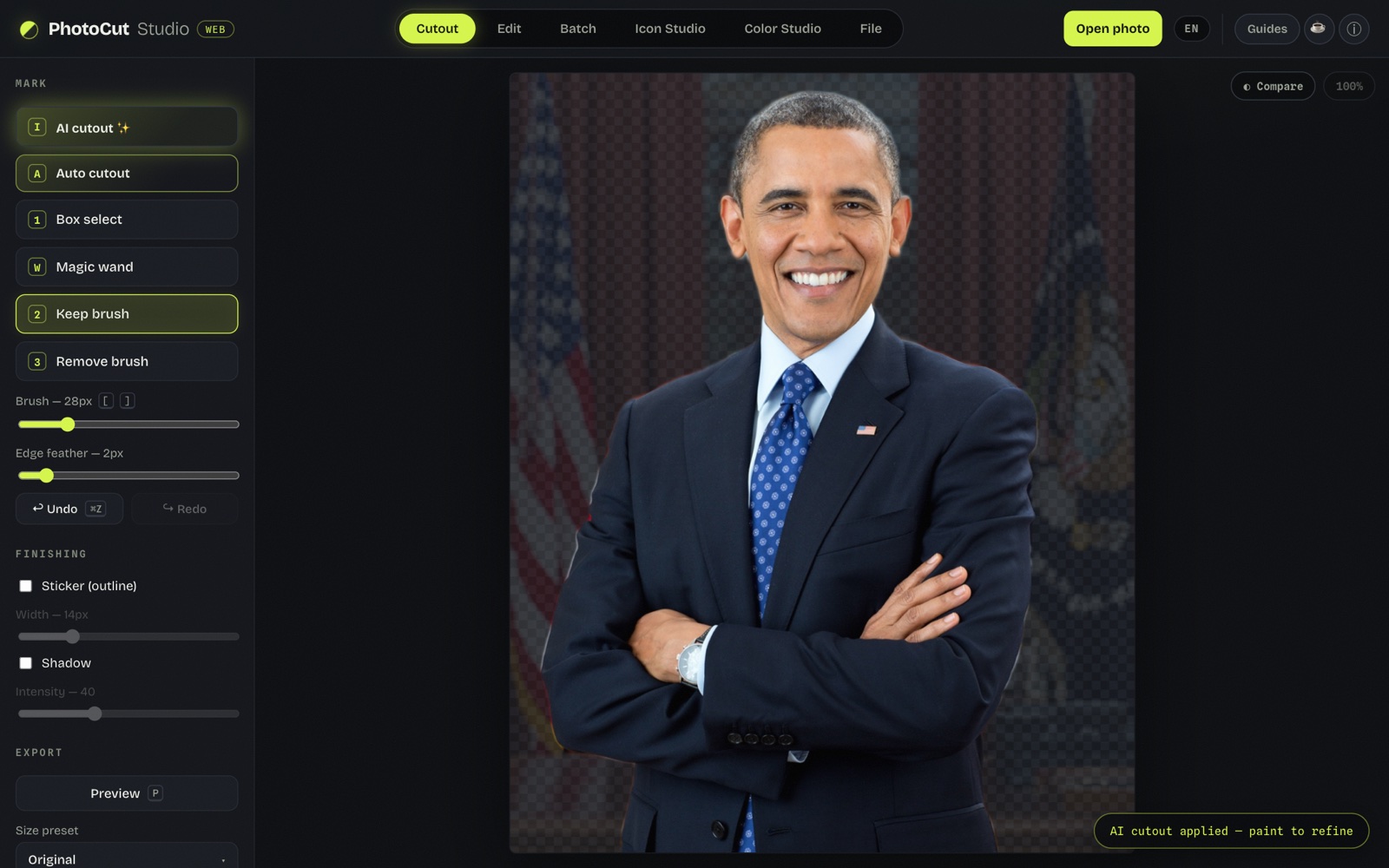
Remove image background
Automatic AI cutout plus brushes to refine hair and edges. Export with a transparent, solid-color, or new-image background.
Change photo background
Replace the background with a solid color (white included) or another photo, with opacity and framing control.
Color palette & HEX from an image
Pull the dominant colors from any image and read the HEX code of any pixel with an eyedropper. Copy the palette as HEX, CSS or JSON.
View & remove EXIF metadata
See what data your photo carries (camera, date, GPS location) and download a copy with all metadata removed before you share it.
Blur the background (portrait effect)
Keep the subject sharp and blur the background of a photo, at any strength.
Color blindness simulator
See how someone with color blindness sees your image or design and check your colors' accessibility.
Photo filters
Black & white, sepia, vivid and brightness/contrast/saturation adjustments. All in your browser, without uploading the image.
Blur faces (censor)
Hide the faces in a photo with blur or pixelation before sharing. Detection runs in your browser; the photo is never uploaded.
Compress and convert images
Shrink files or move between PNG, JPG and WebP, seeing the size before you download.
Resize an image
Change the size in pixels or by percentage, keeping the aspect ratio.
Put a color background
Remove the background and replace it with a solid color. Pick the one you need:
White background
For IDs, resumes, marketplaces and product shots. Pure white #ffffff.
Black background
For premium product, tech, jewelry and dramatic portraits.
Blue background
Light blue for ID photos, corporate blue for profiles.
Red background
For promotions, sales, sports and eye-catching social posts.
Green background
For natural, eco and health themes (and the chroma-key difference).