Gabriel Maglia
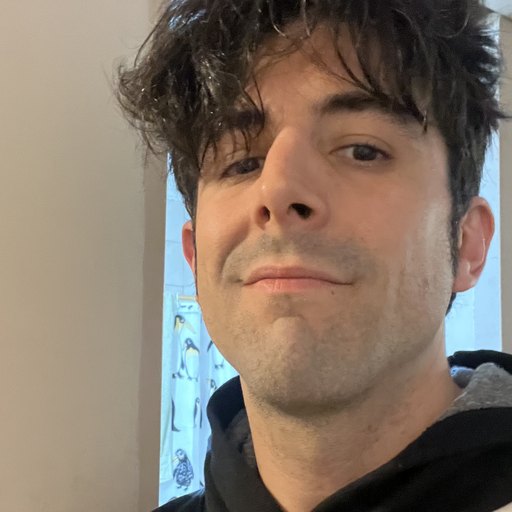
Creator and developer of PhotoCut Studio
I'm Gabriel Maglia, a fullstack developer. I build web and mobile applications end to end: thinking through the product, designing the interface, writing the code and shipping it to production. I work mostly with React, Next.js, TypeScript, Node.js and PostgreSQL, and on mobile with React Native. I'm obsessed with interface details — rhythm, typography, the timing of transitions — because those are what make a tool feel good to use.
Why I built PhotoCut Studio
PhotoCut Studio came out of a specific frustration: almost every "free"
cutout editor uploads your photo to an external server, processes it
there, and after a few uses asks you to pay or create an account. I
wanted the opposite: a tool that runs
entirely inside the browser, where the image never
leaves your device. Automatic cutout uses an AI model
(u2netp, 4.6 MB, Apache-2.0 licensed) exported to ONNX that
runs via WebAssembly in a Web Worker; the interactive cutout
relies on GrabCut compiled to WASM. There is no backend that receives
your photos because there is simply nowhere to upload them.
How I write these guides
I don't write about features I haven't tested. I run every guide on this site in the editor itself — I load a real image, follow the steps and capture the screen from that same session — before publishing it. When a guide says the exported PNG comes out with a 100% transparent background, it's because I opened the file and checked the alpha channel. The "We tried it" box you'll see in each one summarizes what actually happened in practice, including the cases where the automatic result needed a couple of touch-ups. That's the standard: reporting what really happens when you use the tool, not an idealized version.
Where to find me
If you want to reach me with a question, a bug or a suggestion, the direct email is gab.maglia@gmail.com. I'm also here:
See the guides →