How to make a round profile picture (avatar) free
WhatsApp, Instagram, Slack, LinkedIn, Discord: almost every app shows your profile picture inside a circle. The common confusion is thinking you have to "crop the image round" — and end up cut off. The truth is simpler: you upload a square image with the subject centered and the app masks it into a circle. This guide shows how to leave that cutout perfect, with the background you want.
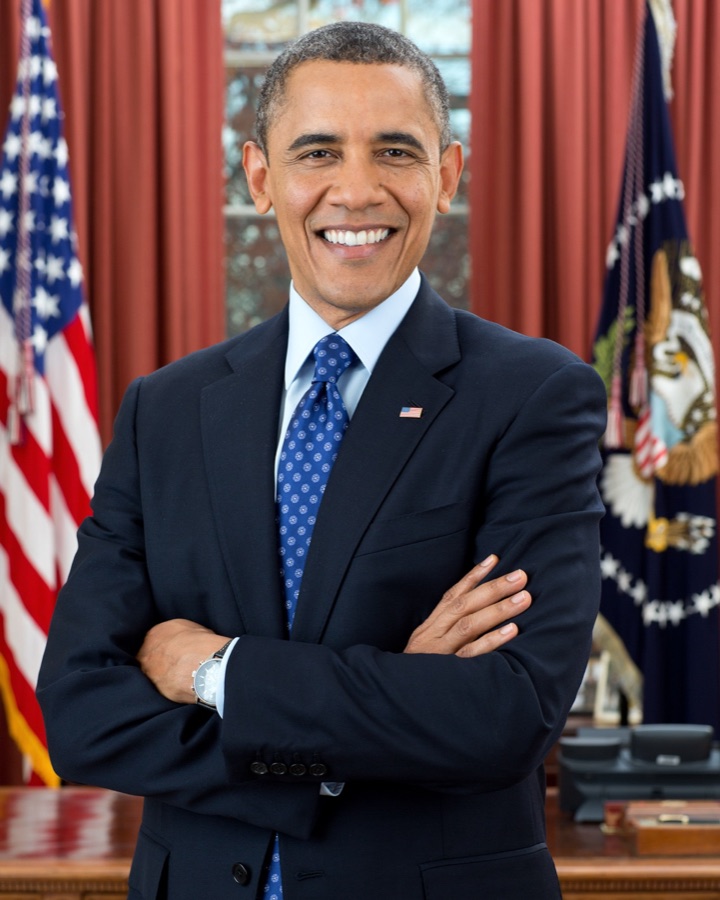
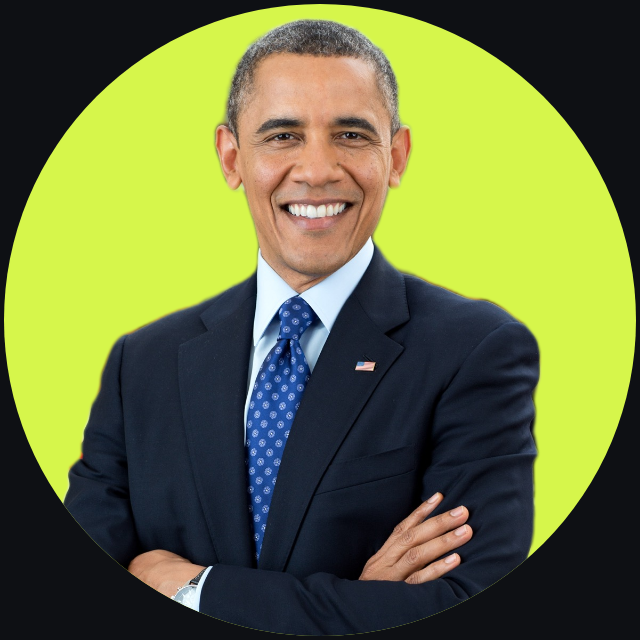
The golden rule: square, subject centered
Almost every service asks for a square profile photo (same width and height) and crops it to a circle. Typical sizes: WhatsApp ~640×640, Instagram ~320×320, LinkedIn accepts large images but shows a square. A 512 × 512 px avatar works everywhere and weighs little. What matters: leave a little margin around the face. Since the circle cuts the corners, if the face reaches the edge it gets clipped.
Step by step
- Open your photo in PhotoCut Studio.
- Remove the background with AI Cutout (ideal for portraits) and refine the hair with the brush if needed.
- Choose the new background: transparent, a solid color (very clean for profiles) or an image.
- In the export preset choose "Circular avatar 512": it centers the subject, leaves margin and exports a 512 px square.
- Download and upload it as your profile picture. The app will show it in a circle automatically.
Tips for an avatar that looks good
- Center the face in the square; eyes around the upper third work best.
- Contrast with the background: if your hair or clothing is dark, avoid a dark background (and vice versa) so your silhouette stands out inside the circle.
- Try a transparent PNG background. A transparent PNG adapts to any profile's light or dark theme and keeps a consistent identity.
- Check on mobile: an avatar that reads at 40–48 px in many places; if that size is unrecognizable, zoom out a bit.
Without uploading your face to any server
Your photo is processed entirely in your browser. For something as personal as your face, that matters: the image never travels to the cloud or stays stored anywhere.
Common mistakes when making an avatar
- Uploading the photo as is, without cutting out. Many apps just center the square as it comes, which tends to cut off the head or leave half the body. Better to reframe the circular cutout beforehand.
- Too much zoom. If the cutout is too tight, circular cropping cuts even more of the head at the top. Leave air above.
- A background that competes. On a small avatar, too much detail behind is noise; at 40 px it becomes visual clutter.
- Exporting as JPG for a transparent background. JPG doesn't support transparency; export as PNG or WebP or the result will have a white or black fill.
- Ignoring each network's crop. Even if you upload a perfect square, some apps apply their own subject detection; check the preview the app shows before confirming.
Background ideas by use
| Use | Recommended background |
|---|---|
| LinkedIn / professional profile | Neutral solid color (gray, dark blue) or your company's brand color. |
| Transparent or a color that contrasts with your clothing/hair. | |
| Gaming / Discord | Vivid colors or a soft gradient; here a more eye-catching look works. |
| Resume or ID photo | White or light blue — see the ID photo guide below. |
Frequently asked questions
Why does my profile picture look cropped in some apps?
Because each app masks the circle a little differently, and if the subject reaches right to the edge of the square, the circle eats a slice. The fix is to leave margin: have the face take up 60% to 75% of the square's width, not 100%.
What exact size do I need for WhatsApp, Instagram and LinkedIn?
You don't need to memorize each network's exact size: a 512×512 px square comfortably covers the minimums for WhatsApp (~640×640, but it accepts and downscales larger images), Instagram (~320×320) and LinkedIn, which also rescale automatically on upload.
Can I use a photo background, not just a color?
Yes, the image-background export mode lets you add any photo or texture and adjust its opacity. For professional profiles a solid color usually works better; for personal profiles a photo background adds personality.
Will people notice I edited the photo?
If the cutout is clean (no halos or leftover original background) and the new background is flat or consistent with the subject's lighting, it doesn't read as an edit: it looks like a studio photo on a color background.
Make my profile picture →More guides
Remove the background from a photo free, no watermark and no sign-up
Why many "free" tools aren't quite free, and how to cut out with clean edges on hair and fine detail.
Product photos for Amazon, Etsy and Shopify: sizes and white background
The exact sizes and background rules for each marketplace, and how to put your product on pure white.
More guides on “White background & formal photos (ID, profile)” →