Favicons in 2026: the sizes you need and the HTML to copy
For years favicon generators produced twenty files "just in case": sizes for Internet Explorer on Windows Vista, Windows 8 tiles, Safari pinned tabs… The reality of 2026 is much simpler: with 5 files and 5 lines of HTML you cover every current browser and device.
It's worth the effort: a well-made favicon is the first thing a user sees when they have ten tabs open, and it's usually the first thing a technical SEO audit or a PWA checklist reviews. Missing or broken, it subtracts professionalism even if the rest of the site is flawless.
The essential files
| File | Size | Who uses it |
|---|---|---|
favicon.ico | 48 × 48 | Old browsers, RSS readers, bookmarks. It may seem prehistoric, but it's still the universal fallback: many clients request it directly at /favicon.ico. |
favicon-32.png | 32 × 32 | The browser tab on normal and retina screens. |
apple-touch-icon-180.png | 180 × 180 | iPhone and iPad when adding the site to the home screen. No transparency: iOS fills transparent areas with black. |
icon-192.png + icon-512.png | 192 / 512 | The PWA manifest: installed app icon and splash screen on Android/desktop. |
maskable-512.png | 512 × 512 | "Maskable" manifest variant: Android crops it into a circle or other shapes, so the art must fit in the central 80%. |
The HTML
<link rel="icon" href="/favicon.ico" sizes="48x48">
<link rel="icon" href="/favicon-32.png" sizes="32x32" type="image/png">
<link rel="apple-touch-icon" href="/apple-touch-icon-180.png">
<link rel="manifest" href="/site.webmanifest">
<meta name="theme-color" content="#111317">
And the minimal site.webmanifest that references the PWA icons:
{
  "name": "My App",
  "short_name": "My App",
  "icons": [
    { "src": "icon-192.png", "sizes": "192x192", "type": "image/png" },
    { "src": "icon-512.png", "sizes": "512x512", "type": "image/png" },
    { "src": "maskable-512.png", "sizes": "512x512", "type": "image/png", "purpose": "maskable" }
  ],
  "display": "standalone"
}
We tested it: how the favicon looks at 16 px
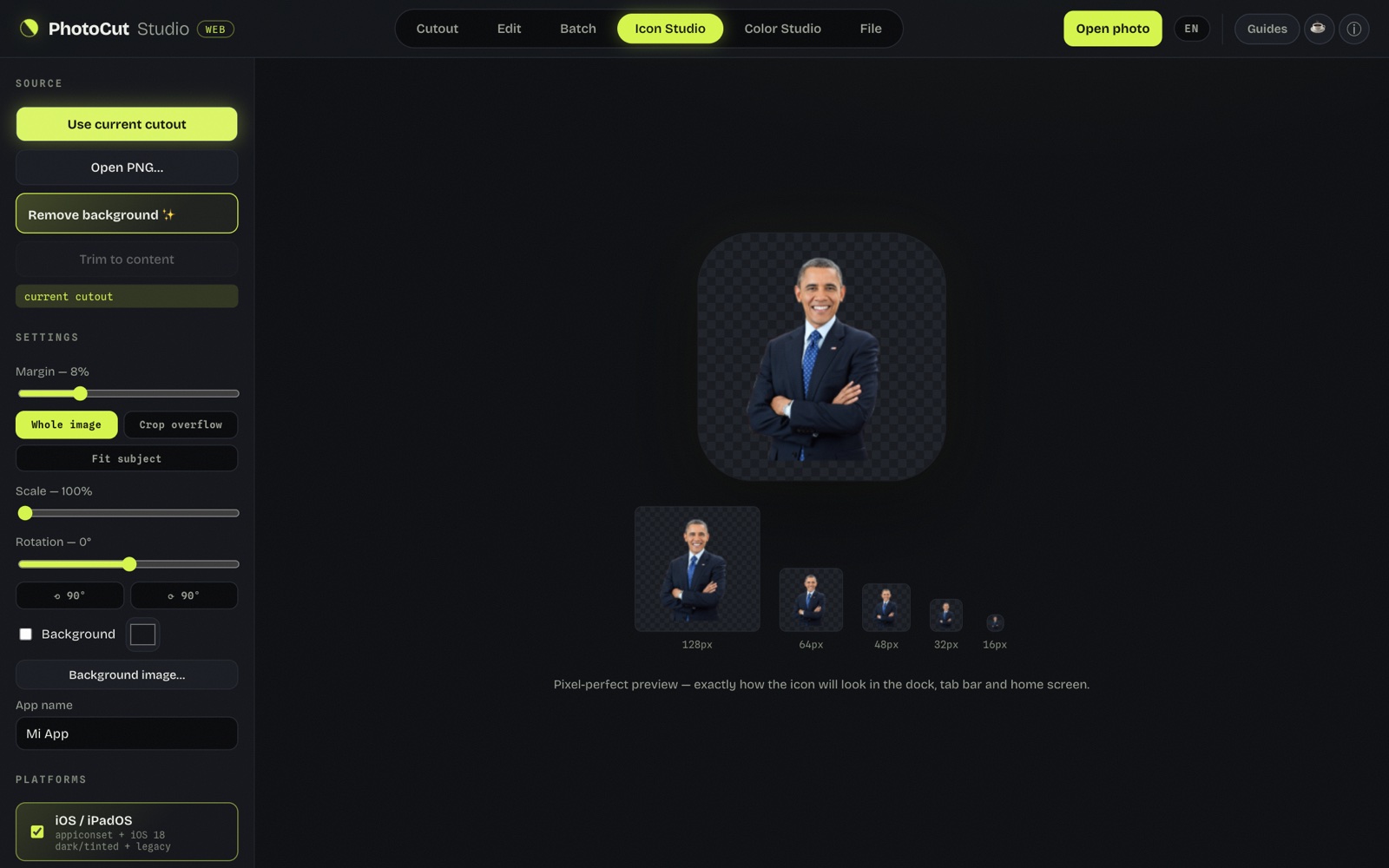
The preview at 16 and 32 px —the real size of a favicon in the tab— is the honest test: what looks good at 512 px can turn into a smudge at 16. With margin and a clear subject, the favicon stayed legible.
Icon Studio generates the favicon set and you can pair it with the HTML ready to paste into the <head>. All in the browser.
Common mistakes
- Using the full logo at 16 px. A few strokes fit in the tab: use the symbol, not the wordmark with text.
- Forgetting the maskable. Without it, Android puts your square icon inside a white circle — the classic "icon inside a fried egg".
- Transparency in the apple-touch-icon. iOS replaces it with black. Always put a color background.
- One SVG for everything. The SVG favicon is ideal as a modern complement, but the manifest icons and the apple-touch-icon still require PNG.
What about the SVG favicon?
For a few years now, Chromium-based browsers and Firefox accept a vector favicon:
<link rel="icon" type="image/svg+xml" href="/favicon.svg">
It's the ideal option if your icon is simple and geometric: a single file
looks sharp at any size and weighs a fraction of a PNG. But it doesn't
replace the full set: place it as an extra line before the
favicon.ico, not instead of it, because Safari and the manifest
icons still need PNG.
How to check they came out right
- Open the site in a new tab and look at the favicon at real size (don't trust the editor preview).
- Test in more than one browser: Chrome, Firefox and Safari interpret the order of
link rel="icon"with subtle differences. - On the phone, add the site to the home screen to see the
apple-touch-icon(iOS) and the manifest icon (Android) as a real user will. - If you don't see the change, clear the cache: browsers cache favicons very aggressively, sometimes for days.
Frequently asked questions
Is favicon.ico still needed in 2026?
Yes. Although modern browsers prefer the PNG declared in link rel="icon", many clients (RSS readers, crawlers, bookmarks) still request /favicon.ico directly. It's the universal fallback and it's worth including it.
What happens if I don't put a favicon?
The browser shows a generic icon (a blank page or the default icon) and, if the site is installed as a PWA, uses a square with the domain's initial. It doesn't break anything, but it looks unprofessional and doesn't identify your brand in tabs or bookmarks.
Generate my favicons →More guides
App icon sizes in 2026: iOS, Android, macOS, Windows and Web
Every current size in one place, including the iOS 18 and Android 13 variants.
How to make a logo with a transparent background (PNG) free
The clean cutout that's the base of any favicon or icon.